Phone:
+254 719 428 550
Physical address:
Information House, Hakati Road,
Nairobi, Kenya.

Phone:
+254 719 428 550
Physical address:
Information House, Hakati Road,
Nairobi, Kenya.
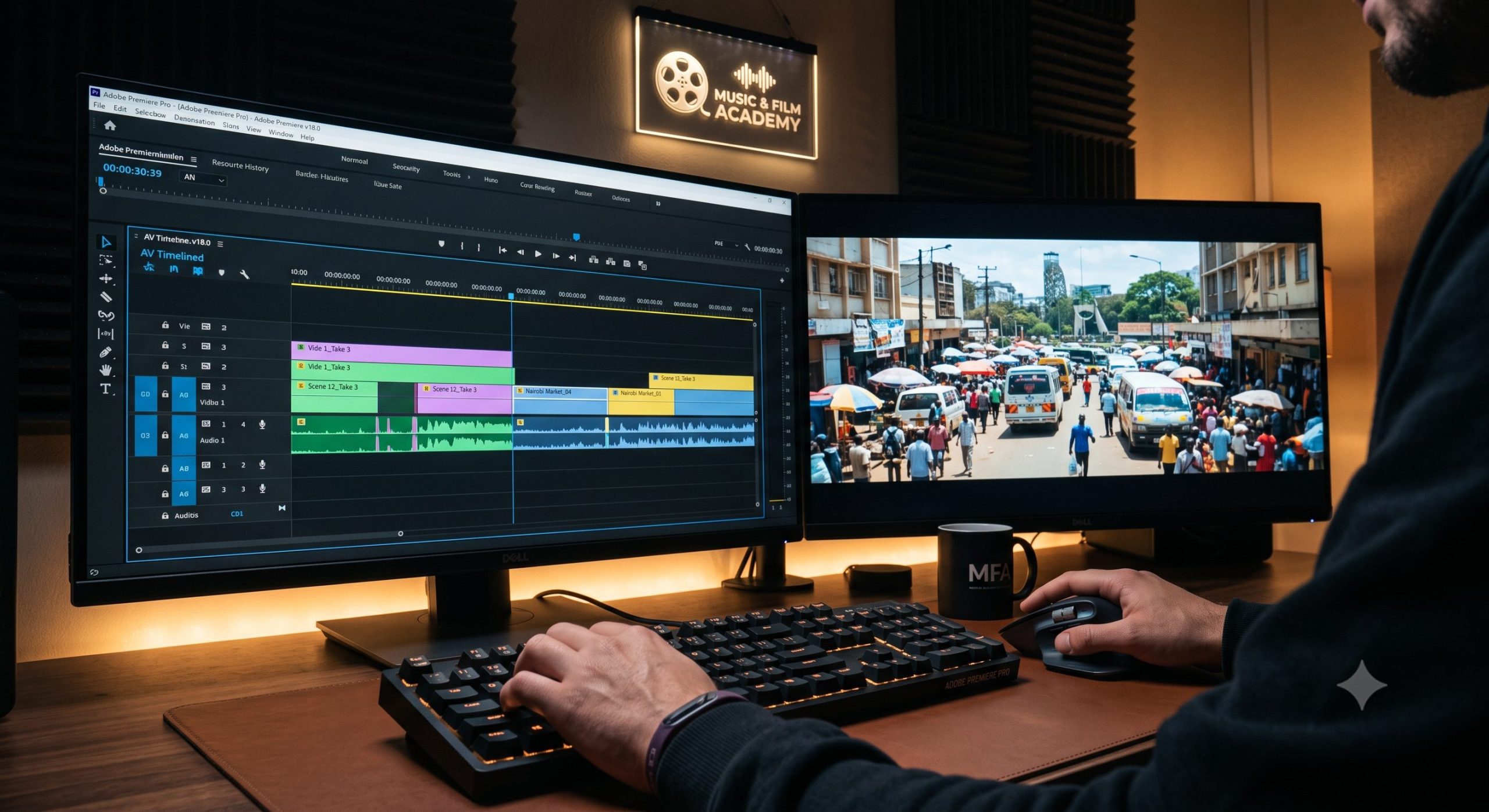
In an era dominated by hyper-accelerated content feeds, the true battlefield for digital filmmakers, commercial editors, and television directors across East Africa is human attention. Whether you are cutting a multi-million-shilling prime-time television drama, a high-converting corporate advertisement for a brand in Westlands, or a gritty micro-documentary destined for YouTube, your primary weapon is the timing of your cuts. Every time you slice a clip on your timeline, you are not merely shifting from one camera perspective to another; you are making a psychological calculation. Understanding the exact editing techniques that keep Kenyan audiences watching requires moving past the basic mechanics of software tools and deep-diving into the psychological grammar of visual storytelling.
Amateur video productions in the local market often suffer from structural pacing issues. They either hold onto a wide shot for far too long, draining the scene of its emotional energy, or they over-edit with frantic, meaningless jump cuts that induce visual fatigue and cause viewers to swipe away within seconds. The most successful media pieces—from viral TikTok campaigns to high-retention television programs—rely on invisible narrative hooks to guide the viewer’s subconscious eye. By mastering specific transitions, balancing audio-visual overlaps, and strategically breaking traditional rules of screen direction, you can control the emotional tension of your scene. This comprehensive masterclass guide deconstructs the precise editing structures required to hook attention and maximize viewer retention across all distribution channels.
To understand how to engage a specific audience, an editor must analyze the viewing habits of the local demographic. The modern digital consumer in Nairobi shifts between different screen environments seamlessly. They look for clean, high-speed, and authentic storytelling that feels urgent from the very first frame. If a video feels slow or lacks a clear visual purpose in its first three seconds, the viewer will bounce.
If you dissect the editing timelines of trending local television series, you will notice a distinct approach to pacing. The dialogue blocks are cut tight, minimizing dead space between actors’ lines to match the energetic rhythm of urban conversational patterns.
However, during dramatic high-stakes scenes, the pacing shifts dramatically. Editors intentionally hold on a silent close-up reaction shot for an extra beat rather than cutting immediately to the person speaking. This extension creates an uncomfortable pause that heightens the dramatic tension, drawing the audience deeper into the scene’s emotional space before resolving the moment with a sharp cut.
[Tight Dialogue Sequence] ──► [Intentional Long Hold on Reaction] ──► [Sharp Smash Cut to Resolution]
            │                                     │                                    │
   Matches High-Energy                    Builds Psychological                  Releases Emotional
    Urban Conversation                          Tension                               Tension
In the world of commercial advertising, time is expensive. A standard 30-second digital ad must introduce a problem, present a product solution, and deliver a clear call-to-action before the viewer can click “Skip Ad.” High-retention advertisements handle this constraint by utilizing a high-density editing style.
Instead of showing long, continuous actions, editors compress time using stylized match cuts and invisible transitions. This approach allows them to display multiple distinct locations or product use-cases within a five-second window, maintaining a fresh and engaging visual flow.
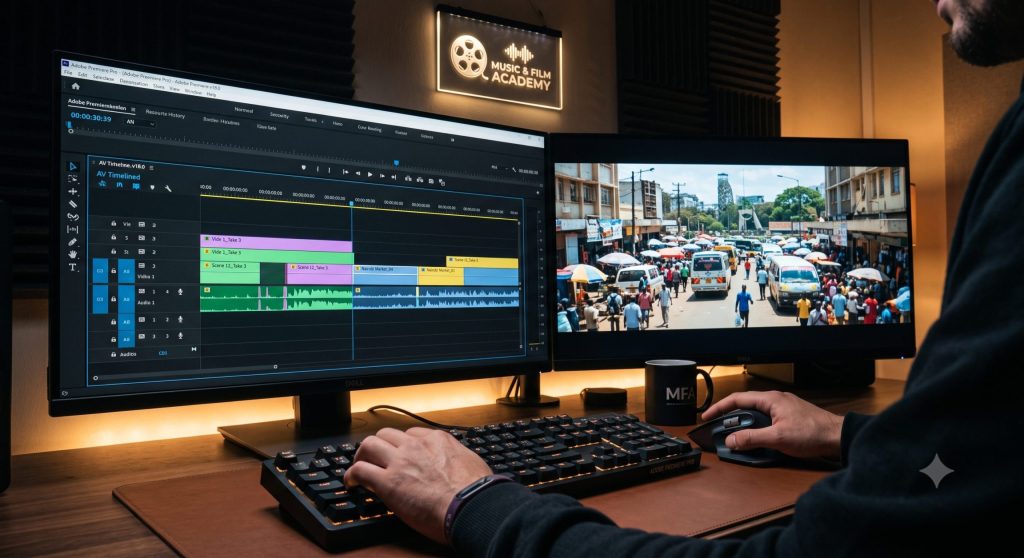
When assembling a rough cut, beginner editors often make the mistake of using “straight cuts”—meaning both the video and audio tracks split at the exact same point on the timeline. This layout creates an unnatural, blocky rhythm that draws attention to the edit itself, breaking the viewer’s immersion. To keep your audience fully engaged, you must hide your edits using split edits, specifically J-cuts and L-cuts.
                         [SPLIT EDIT TIMELINE VIEW]
                                     │
         ┌───────────────────────────┴───────────────────────────┐
         ▼                                                       ▼
[The J-Cut Configuration]                               [The L-Cut Configuration]
  Video: ───[Scene A]───►|───[Scene B]───                 Video: ───[Scene A]───►|───[Scene B]───
  Audio: ───────[Scene B Audio]───►|───                   Audio: ───[Scene A Audio]───►|────────
A J-cut occurs when the audio of the upcoming scene leads, playing for a few frames before the viewer sees the corresponding video clip. On your editing timeline, this arrangement forms the shape of a letter “J.”
An L-cut is the structural mirror of a J-cut. In an L-cut, the video switches to the next scene, but the audio from the previous clip lingers underneath the new visual for a few frames, forming an “L” shape on your editing timeline tracks.
One of the most elegant ways to move between different locations or time periods without confusing your audience is the match cut. A match cut uses structural, composition, or audio similarities between two different scenes to create a smooth visual bridge. This technique tells the audience that the two separate concepts are deeply linked.
[Scene A: Circle Rim of Car Tyre] ──────(Graphic Match Cut)──────► [Scene B: Circle Rim of Wall Clock]
A graphic match cut aligns identical shapes or composition patterns between consecutive shots. For example, you can frame a close-up shot of a round car tyre spinning on a highway, and cut directly to a round wall clock ticking inside a corporate boardroom.
Because the central geometric shape remains identical across the cut, the viewer’s eye does not need to reorient itself to the new frame. This visual connection links the idea of travel or commuting directly with the concept of working hours or time management.
An action match cut connects a continuous movement across an edit point, even if the location shifts completely. For instance, you can capture an athlete throwing a ball on a sports pitch, and slice mid-swing to show them landing their hand on a desk inside a corporate office.
The kinetic energy of the physical movement carries the viewer’s eye across the cut smoothly. This high-level transition allows you to compress time and space effortlessly, keeping your visual flow dynamic and engaging.
| Advanced Cut Typology | Psychological Trigger | Primary Use-Case Scenario | Expected Watch-Time Value |
| The Inbound J-Cut | Anticipation & Curiosity | Transitioning into new environments or dialogue returns | Eliminates jarring, blocky timeline transitions. |
| The Outbound L-Cut | Reflection & Emotional Weight | Overlaid B-roll sequences during deep interview soundbites | Maintains deep emotional engagement. |
| Graphic Match Cut | Subconscious Association | Bridging completely different time periods or conceptual locations | Keeps composition clean across different scenes. |
| Action Match Cut | Kinetic Continuity | High-speed commercial spots and sports promo reels | Creates a dynamic sense of energy and movement. |
💡 The MFA Factor: Learning the precise visual grammar of film transitions requires structured, hands-on practice under expert guidance. Our foundational Basic Certificate in Video Editing Course modules at the Music And Film Academy teach you how to master timeline rhythm, script editing rules, and storyboarding workflows from the ground up.
Traditional filmmaking relies heavily on continuity editing—a structured system of rules designed to preserve a clear sense of space and time across your cuts. These rules include the 180-degree line rule, matching screen direction, and maintaining consistent eyelines. However, once you understand why these rules exist, you can learn how to break them intentionally to build psychological discomfort and dramatic tension within your scene.
The 180-degree rule establishes an invisible axis line between two interacting characters, dictating that the camera must stay on one side of that line to keep their left-to-right screen positions consistent.
                      [THE 180-DEGREE AXIS LINE]
                                  │
      Camera Position Side A      │      Camera Position Side B
  (Standard Continuity Zone)      │   (Crossing Induces Disorientation!)
                                  │
In traditional narrative filmmaking, a jump cut is often viewed as a mistake because it breaks visual continuity, making a subject appear to “jump” forward in time within the same frame. However, when used with intent, jump cuts can serve as a powerful tool to convey internal instability.
The final step in mastering narrative pacing is ensuring your editing timeline is organized properly to handle fast adjustments, especially when working with tight client feedback loops.
When working under tight deadlines for commercial brands or broadcast networks, clients will frequently ask for alternate versions of a video (such as a 15-second cutdown version of a 60-second ad). To handle these requests quickly, keep your editing timeline meticulously organized.
When exporting your final high-retention video files for online platforms like YouTube or social media networks, set your export parameters to preserve maximum visual detail during upload compression. Export your project using an H.264 or H.265 codec within an MP4 container, and set your bitrate encoding configuration to VBR 2-Pass with a high target bitrate (at least 15 Mbps for 1080p files).
Name your exported files using clear, descriptive keyword phrases rather than generic titles like Final_Render_V3.mp4. Using structured file names like editing-techniques-that-keep-kenyan-audiences-watching.mp4 helps search engine spiders read and index your video asset accurately during backend file analysis. To review standard compliance rules on digital asset storage, media metadata archiving, and electronic publishing laws within Kenya, consult the official frameworks maintained by the Kenya Copyright Board (KECOBO).
                  [TIMELINE EXPORT PROTOCOLS]
                              │
      ┌───────────────────────┴───────────────────────┐
      ▼                                               ▼
[Codec: H.264 / VBR 2-Pass]                  [Semantic File Conventions]
      │                                               │
Ensures clean compression profiles             Uses keyword-focused file names
across YouTube and TikTok networks             to maximize indexability during upload
💡 The MFA Factor: Technical efficiency is just as critical as creative talent in the modern media industry. If you want to master high-volume project management, multi-camera syncing pipelines, and high-end commercial post-production systems, check out the advanced training programs outlined on our main Video Editing Courses in Kenya landing page.
Understanding the psychological power of your edit points is the essential skill that elevates your work from basic video assembly to high-impact visual storytelling. By mastering the rhythmic pacing of local media channels, hiding edits using J-cuts and L-cuts, using match cuts to bridge distinct concepts, and knowing exactly when to break continuity rules to build dramatic tension, you can consistently deliver content that hooks attention and drives high engagement.
True mastery of post-production requires structured, hands-on practice under the guidance of seasoned professionals. At the Music And Film Academy, we believe your creative development shouldn’t be restricted by limited access to gear. Our modern campus labs in the Nairobi CBD provide our students with unlimited access to high-spec editing suites, professional production gear, and dedicated studio spaces. Take charge of your career, upgrade your creative toolkit, and join a collaborative network of visual creators by enrolling in our Advanced Certificate in Videography Course track today.
To see these editing cuts, J-cuts, L-cuts, and match cut configurations demonstrated on a live timeline, watch this helpful video walkthrough on how to Master J-Cuts and L-Cuts in Premiere Pro. This guide provides a clear look at managing track overlaps, adjusting clip lengths, and smoothing your audio transitions to ensure a clean, professional flow for your next project.