Phone:
+254 719 428 550
Physical address:
Information House, Hakati Road,
Nairobi, Kenya.
Phone:
+254 719 428 550
Physical address:
Information House, Hakati Road,
Nairobi, Kenya.
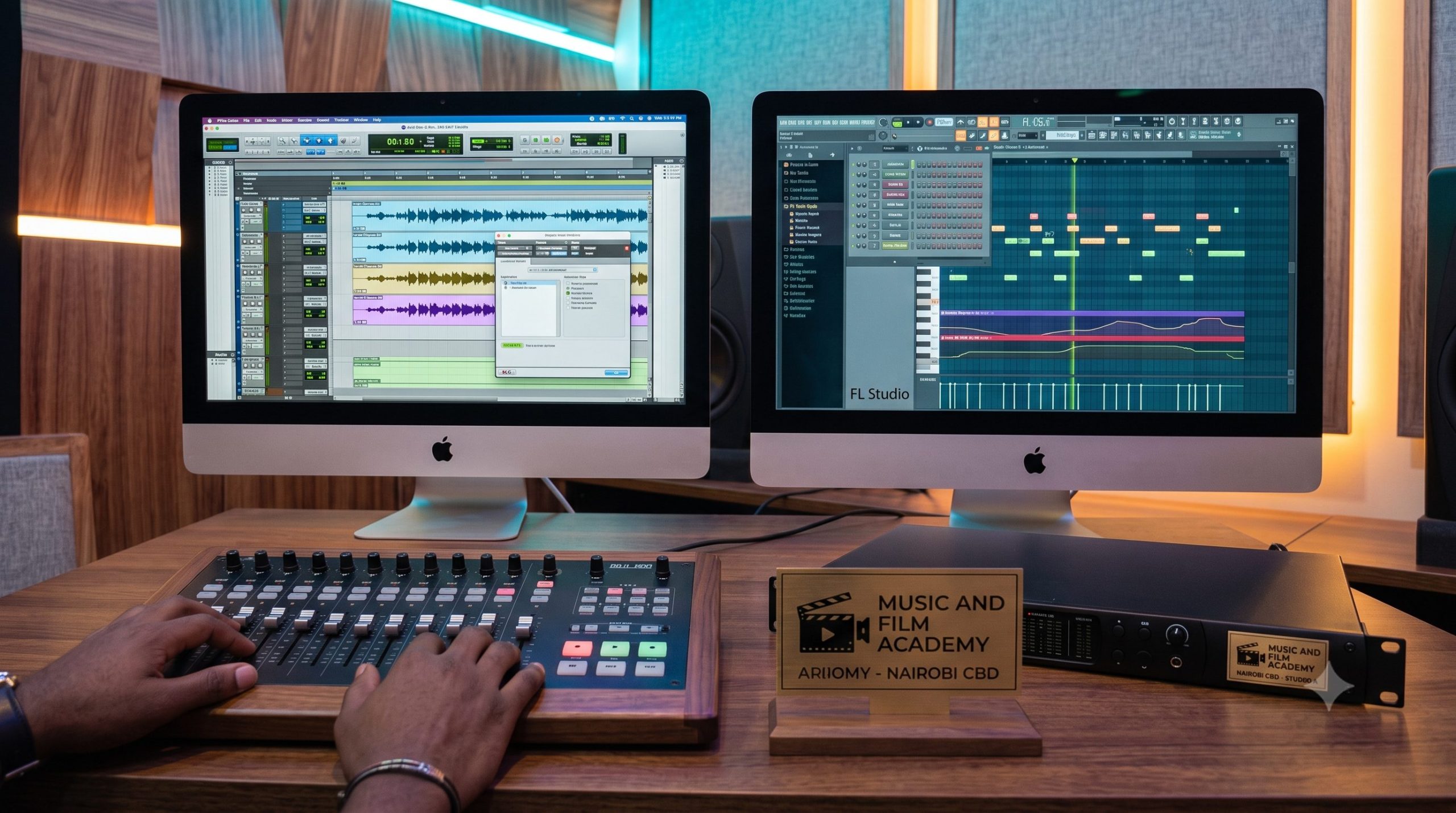
The global digitization of sound has turned the modern personal computer into the ultimate recording studio centerpiece. For upcoming music producers and recording engineers in Nairobi, the entry path into the creative economy is no longer blocked by the multi-million-shilling hardware setups of the past. Instead, your entry into the industry is governed almost entirely by software. Whether you plan to produce high-energy Gengetone club bangers in Riverroad, craft lush Afropop arrangements in Kilimani, or engineer professional corporate advertisements in Upper Hill, your technical command of your production environment dictates your speed and audio quality. Therefore, choosing a digital audio workstation (DAW) that aligns perfectly with your specific creative and commercial goals is the absolute foundation of your professional career.
Many beginners enter the industry assuming all music software programs are essentially identical, leading them to pick a platform based purely on a trend or what they see in a brief social media clip. This casual approach often hits an immediate roadblock when entering professional commercial environments. A software platform that excels at rapid MIDI drum programming might become highly inefficient when tracking a live 5-piece band or executing complex, multi-layered dialogue editing for a broadcast documentary film. To build a sustainable, adaptable career, you must evaluate the market from an engineering standpoint. This 2026 comprehensive blueprint strips away developer marketing hype, contrasting the exact industry roles of Avid Pro Tools, Apple Logic Pro, and Image-Line FL Studio within the local ecosystem, while providing advanced optimization templates to handle CPU latency and buffer sizes cleanly.
1. Deconstructing the Matrix: Creative Specializations and Local Market Demands
When navigating the process of choosing a digital audio workstation, you must first evaluate what type of audio assets you intend to manufacture. The local entertainment and corporate landscapes have naturally divided Nairobi’s commercial studios into distinct technical camps based on software specializations.
[COMMERCIAL DAW SPECIALIZATION MAP]
│
┌───────────────────────────────┼───────────────────────────────┐
▼ ▼ ▼
[Avid Pro Tools] [Apple Logic Pro] [Image-Line FL Studio]
│ │ │
Commercial Tracking, Hybrid Production, Rapid MIDI Drum Layouts,
Post-Production & Mixing. Vocal Comping & Scoring. Gengetone & Arbantone Beats.
A. Avid Pro Tools: The Corporate Post-Production Standard
If your career goal includes working within high-end multi-room commercial complexes, television broadcast facilities, or film post-production houses, Pro Tools remains the undisputed industry standard.
B. Image-Line FL Studio: The Engine of Urban Street Anthems
On the opposite end of the production spectrum sits FL Studio. Historically viewed as a beginner’s tool, FL Studio has evolved into the dominant engine behind Gengetone, Arbantone, and modern regional hip-hop beats in Kenya.
C. Apple Logic Pro: The Premium Hybrid Producer’s Choice
For creators seeking a balance between the advanced audio editing capabilities of Pro Tools and the fast MIDI composition features of FL Studio, Logic Pro serves as a highly versatile midground.
2. Advanced Optimization: Hardware Buffer Sizes and Round-Trip Latency
Regardless of which platform you select when choosing a digital audio workstation, your system will encounter the physical laws of digital signal processing (DSP). One of the most common technical issues that disrupts recording sessions is audio latency—the short time delay between an artist singing into a microphone and hearing their processed voice return through their headphones.
[Analog Mic Vocal] ──► [A/D Interface Converter] ──► [DAW CPU Input Buffer] ──► [Internal Software Processing]
│
[Artist Headphones] ◄── [D/A Interface Converter] ◄── [DAW CPU Output Buffer] ◄───────────┘
Managing the Buffer Size Matrix
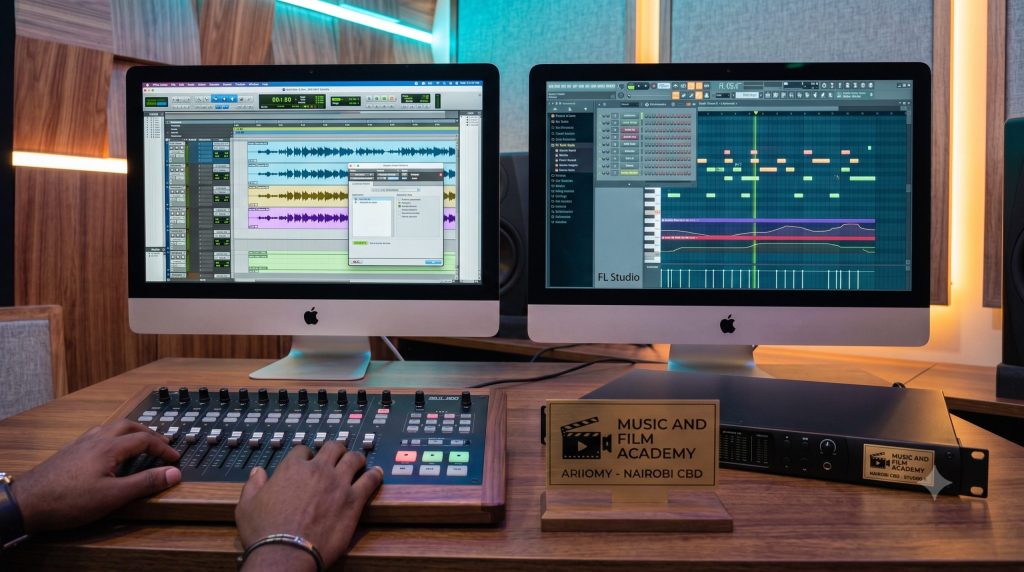
To eliminate this delay and prevent your computer from stuttering or throwing error codes mid-session, you must manually adjust your software’s Hardware Buffer Size based on your current task:
| DAW Production Mode | Recommended Buffer Selection | Mathematical Target Latency | Primary Engineering Focus |
| Live Tracking / MIDI | 32 Samples or 64 Samples | < 5 ms (Imperceptible delay) | Minimizes monitor path delays to preserve the artist’s natural rhythmic timing. |
| Hybrid Overdubbing | 128 Samples or 250 Samples | approx 8 ms – 12 ms | Balances real-time recording inputs with a moderate load of active plugins. |
| Advanced Audio Mixing | 512 Samples or 1024 Samples | > 25 ms (Delayed input) | Maximize CPU processing headroom to run complex plugin chains without system overloads. |
3. Workflow Efficiency: Keyboard Shortcut Optimization and Multi-DAW Integration
Succeeding in a professional studio environment requires absolute workflow speed. In high-pressure commercial environments, clients and agencies pay by the hour, and struggling with slow menus or clicking around with a mouse can signal a lack of experience. Professional engineering speed is built on mastering keyboard shortcuts.
Standardizing Your Navigation Muscle Memory
Every independent software architecture uses its own specialized command grid to execute basic timeline operations. If you plan to operate as an adaptable freelance engineer across multiple facilities in Nairobi, you must develop universal muscle memory for these primary workflow commands:
Rather than limiting your career to one specific software track, top-tier engineers practice cross-platform adaptability. For example, you can compose a fast, rhythmic instrumental layout within the flexible piano roll of FL Studio, export the individual audio track stems cleanly, and pull those raw assets into the advanced linear interface of Pro Tools or Logic Pro to manage high-volume vocal tracking, clean editing, and final commercial mixing.
💡 The MFA Factor: Trying to master three separate software operational systems and optimize complex hardware buffer latency curves on your own can feel incredibly overwhelming. At the Music And Film Academy, we treat these platforms as universal technical tools rather than isolated silos. Our comprehensive, industry-aligned Music Production Certificate Course track is designed by active professionals to give you complete cross-platform confidence, helping you master multi-DAW workflows, signal routing, and advanced optimization protocols hands-on from day one.
4. Signal Integration and System Stability Protocols
Successfully managing your digital production environment requires pairing your software proficiency with disciplined hardware maintenance. This approach protects your digital assets and ensures absolute system stability during complex recording sessions.
1. Eliminating Hardware Noise and Ground Loop Hum
When connecting modern computer setups to external USB audio interfaces, studio monitors, and active MIDI controllers, you will frequently introduce an underlying background hum into your listening environment. This interference often occurs at 50 Hz, the standard operating frequency of the Kenyan power grid, creating a frustrating noise floor that distorts your low-end mix decisions.
2. Digital Clock Synchronization and Inter-Sample Clipping
When routing digital signals between multiple independent digital hardware devices (such as an external multi-channel preamplifier connected via ADAT optical lines to your main audio interface), you must establish a strict digital clock hierarchy.
[DIGITAL INTERACTION SECURITY MATRIX]
│
┌────────────────────────────┴────────────────────────────┐
▼ ▼
[Unified Master Word Clock] [True-Peak Limiter Ceiling]
│ │
Synchronizes sample rates across external ADAT Sets a strict -1.0 dBTP safety buffer
hardware links to prevent digital audio clicks to eliminate inter-sample clipping artifacts
💡 The MFA Factor: Navigating the music industry requires a balance of creative vision and absolute technical precision. Our comprehensive Music Production Courses in Kenya hub provides a direct comparison of our intensive vocational tracks, turning technical software confusion into clear, repeatable engineering mastery.
5. Navigating Intellectual Property Registrations and Industry Business Networks
When choosing a digital audio workstation and building your creative catalog, you cannot isolate your engineering tasks from the legal and commercial realities of the music business. Every digital instrumental track or audio asset you export is an original piece of intellectual property that must be protected and monetized correctly.
A. Securing the Foundation via the KECOBO NRR Portal
Before you share an instrumental beat or song file online with a client or artist, you must document your authorship with the state. Under the current guidelines of the Kenya Copyright Board (KECOBO), this process is handled online via the National Rights Registry (NRR) system. Log onto the NRR portal via your verified eCitizen credentials, submit your final high-quality WAV files, and secure your official Certificate of Registration. This document provides the legal foundation needed to protect your work and resolve potential ownership disputes.
B. Collecting Mechanical and Performance Royalties via Local CMOs
To collect royalties whenever your productions are broadcast on the airwaves or played in public venues, you must declare your works with the appropriate Collective Management Organizations (CMOs):
[KENYAN REVENUE DATA LINE]
│
┌───────────────────────────┴───────────────────────────┐
▼ ▼
[KAMP (Master Rights Collector)] [PAVRISK (Performance Tariffs)]
│ │
Collects neighboring rights revenue Manages combined performance licensing
for independent studio owners & labels tariffs for authors and vocalists
💡 The MFA Factor: Long-term success in the creative industries requires an understanding of both advanced software design and professional catalog management. Learn to build a secure, legally compliant business and protect your catalog by exploring our advanced Music Production Diploma Course track.
6. Conclusion: Take Complete Control of Your Digital Production Environment
Successfully navigating the process of choosing a digital audio workstation requires looking past superficial software trends and evaluating tools based on their specific engineering advantages. Whether you select the post-production precision of Avid Pro Tools, the versatile production layout of Apple Logic Pro, or the fast MIDI workflow of Image-Line FL Studio, your long-term creative success depends on your mastery of signal flow, hardware buffer configuration, and system stability protocols.
True professional growth requires structured practice inside industry-grade acoustic spaces using professional equipment under the guidance of active industry mentors. At the Music And Film Academy (MFA), we provide the ultimate foundation for your creative career. Our modern campus labs at Information House along Hakati Road in the Nairobi CBD provide our students with unlimited, 1:1 access to high-spec iMac and Windows rendering workstations, professional microphone arrays, and all major industry-standard DAW platforms. Stop guessing with limited software trials and uncalibrated home setups. Take charge of your career path, upgrade your digital music production skills, and enroll with us today.
🎥 Live Practical Production Labs Walkthrough
To get a direct, unfiltered look at our professional campus software suites, digital monitoring labs, and the advanced multi-DAW production setups that TVETA compliance guarantees at the Music And Film Academy, watch this helpful video walkthrough of our Campus Video Editing, Sound & Film Production Labs. This guide provides an inside look at how we train our students to manage complex hardware buffer configurations, align digital clocks across external gear, and structure clean digital metadata tags within our dedicated CBD studios.